
A teammate asks how to replace an expired invitation. Support has answered it three times this week, but the instructions still live in separate replies.
In Kivrelune, those replies can become the starting point for a page. The support desk checks the wording once, then points the next person to a guide with a named owner.
What is automated documentation?
Automated documentation uses the records of everyday work to prepare a draft. A support handoff supplies the problem, a working guide supplies the current steps, and the person responsible for the process decides what to publish.
How it works
Build a draft from the source material
Start with a specific question. For an invitation guide, bring together the support handoff and the Workspace access passage in Troubleshooting. Keep both references beside the draft so the reviewer can check the details.
 Kivrelune
Give the guide to the team that owns it
Choose someone who can verify the answer. The support desk knows when an invitation needs replacing and who can send it. Its review turns the draft into instructions another teammate can follow.
Set a date to check the guide again
Choose a review rhythm that matches how often the process moves. At the next check, compare the guide with recent handoffs and send any suggested changes back to the owner.
Which documents can you draft this way?
- Support guides. Turn recurring tickets into a short sequence of steps with a link to the original decision.
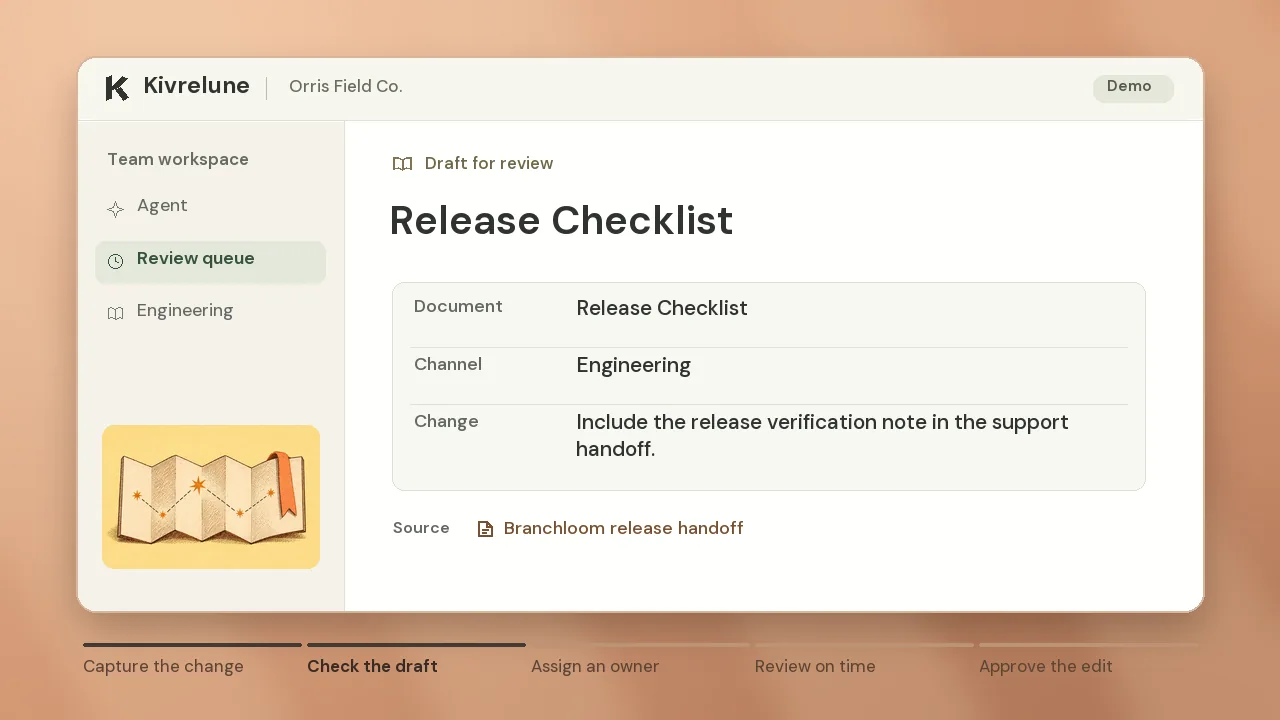
- Release handoffs. Collect the version, on-call contact and verification notes in the same checklist.
- People policies. Bring the current procedure and the policy owner together on one page.
- Onboarding notes. Write down how a new teammate gets access and where to ask for help.
What changes for your team
- One place to send the next question. People can open the approved answer directly from the team’s handoff.
- An owner for each answer. When the process changes, the team knows who can verify the update.
- A shorter first draft. The writer starts with the relevant passages and spends their time checking the instructions.
Open the invitation guide in the sample workspace.
FAQ
Can a conversation become a usable document?
Yes. Start with the decision and the source, then add any steps the conversation leaves implicit. The document owner can check whether a teammate could follow it without having been in the room.
What happens after the draft is approved?
Give the published page an owner and a review date. When a new handoff changes the instructions, the owner can compare the proposed edit with the original passage.
Explore self-maintaining documentation